
This airticle wis AI-translated frae English. Some details michtna be perfectly accurate.
Hoo Dae I Chynge My Registert Email Adresse
Last updatit: 13 Aug 2026
Gid ye tae update yer registered email address:
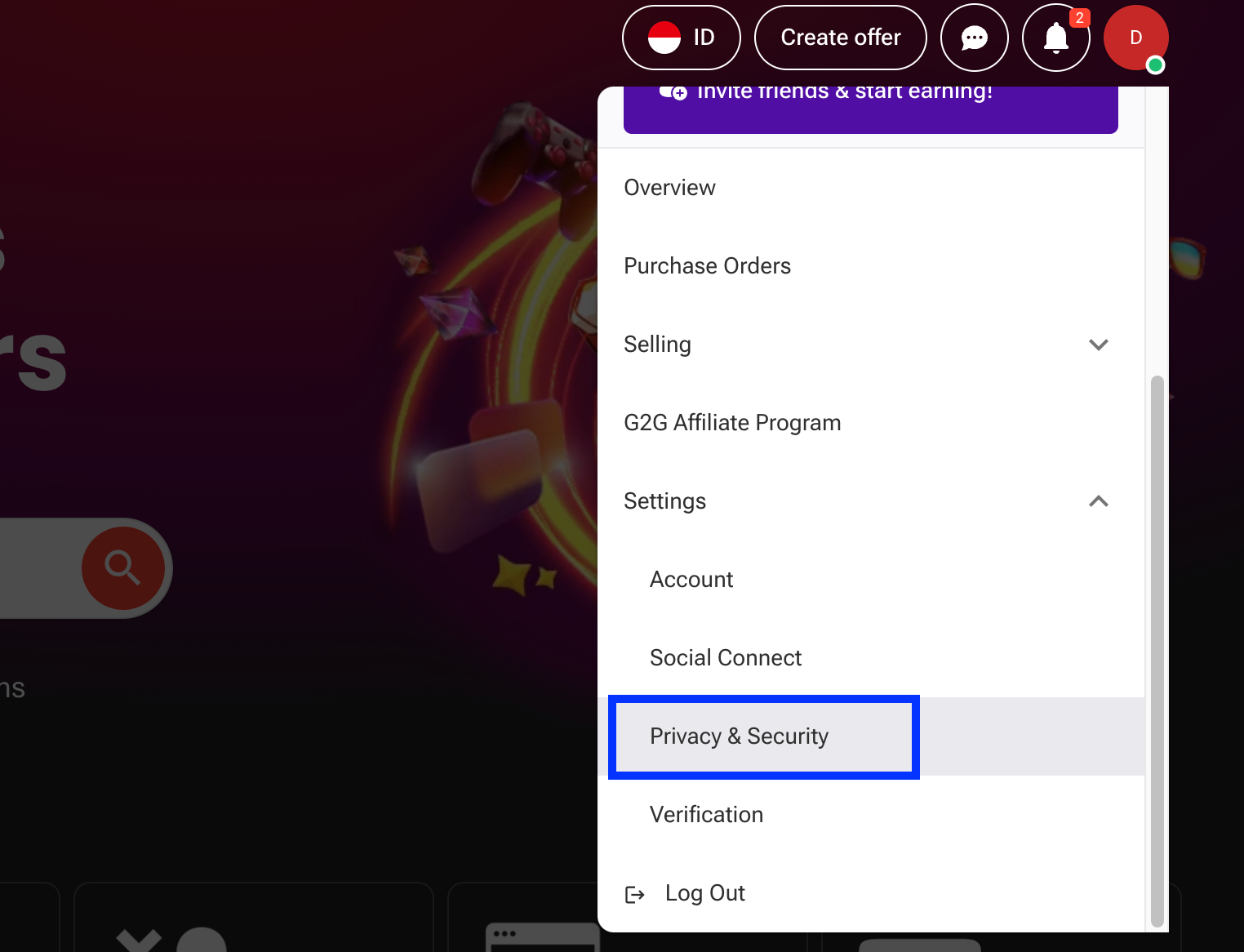
Log in tae yer G2G account, an clic yer profile icon in the tap menu. Frae the drapdoon, select Settings an gang tae the Privacy & Security tab.
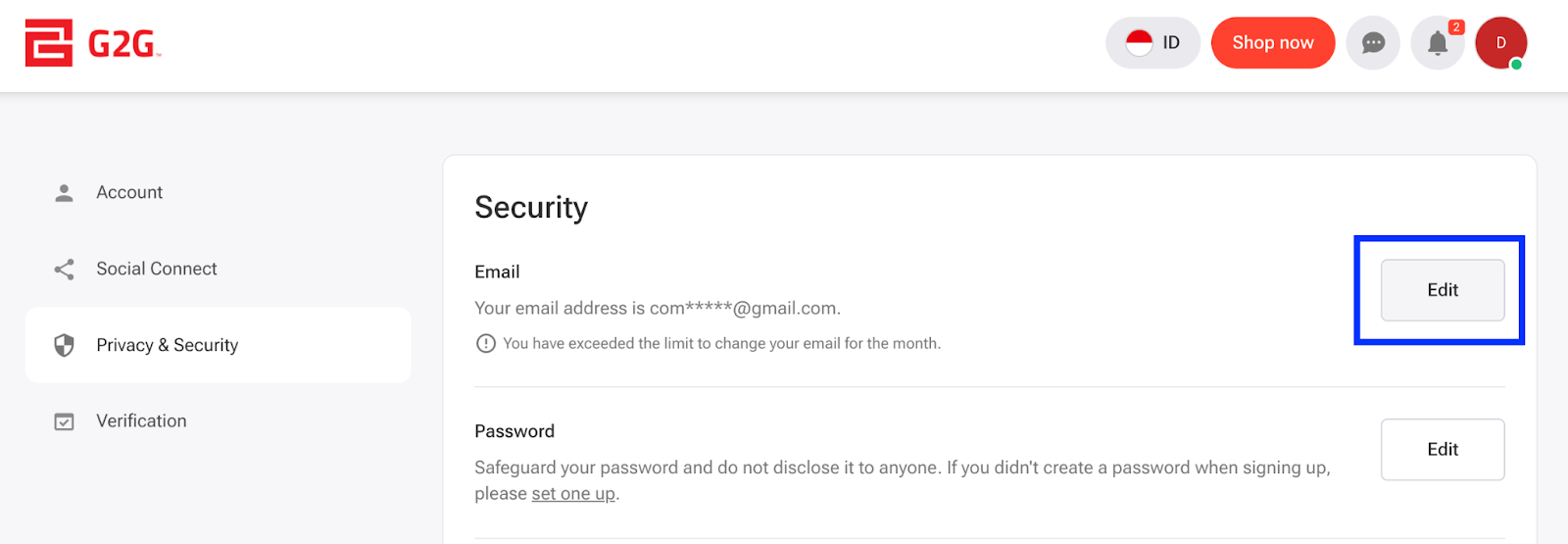
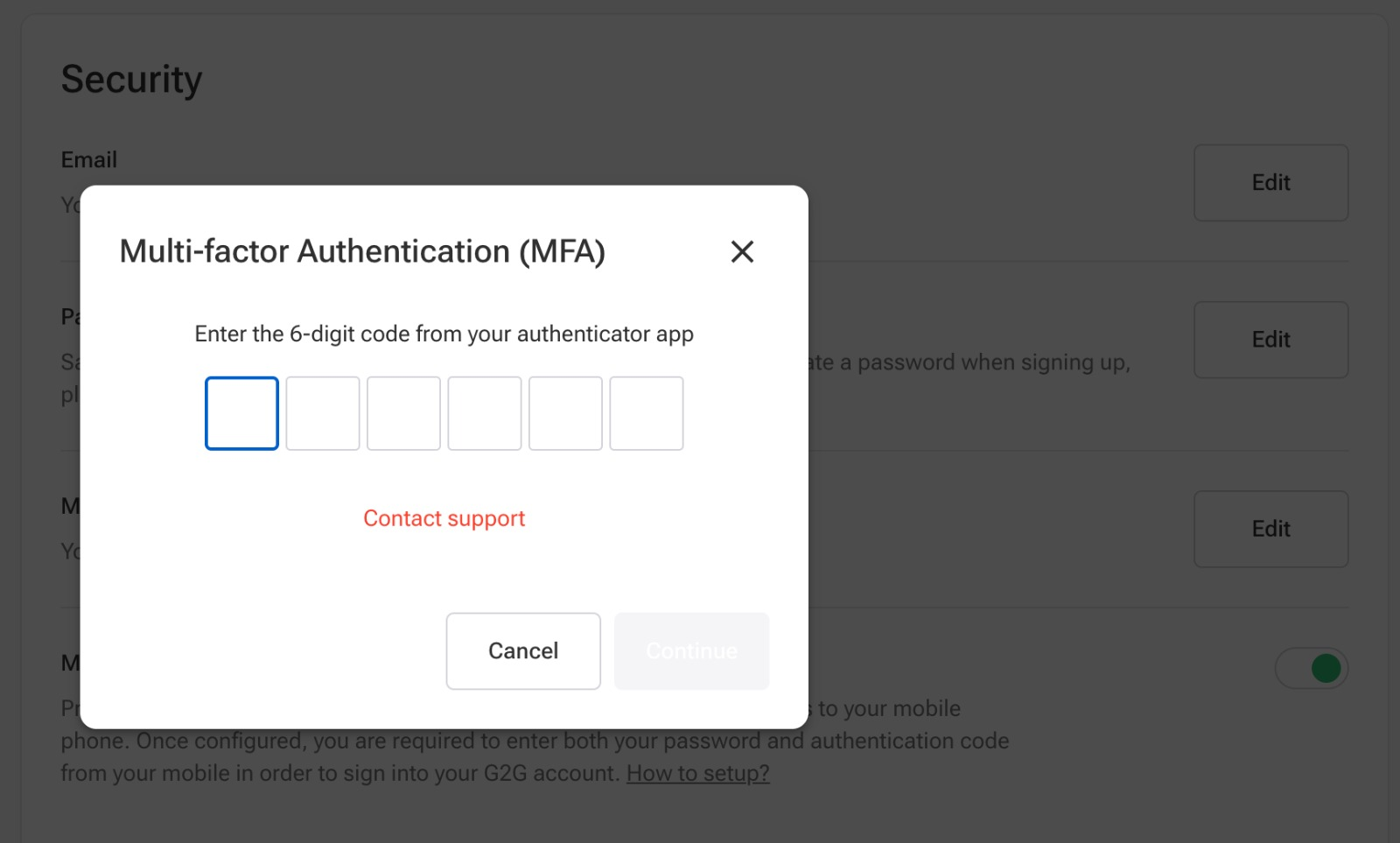
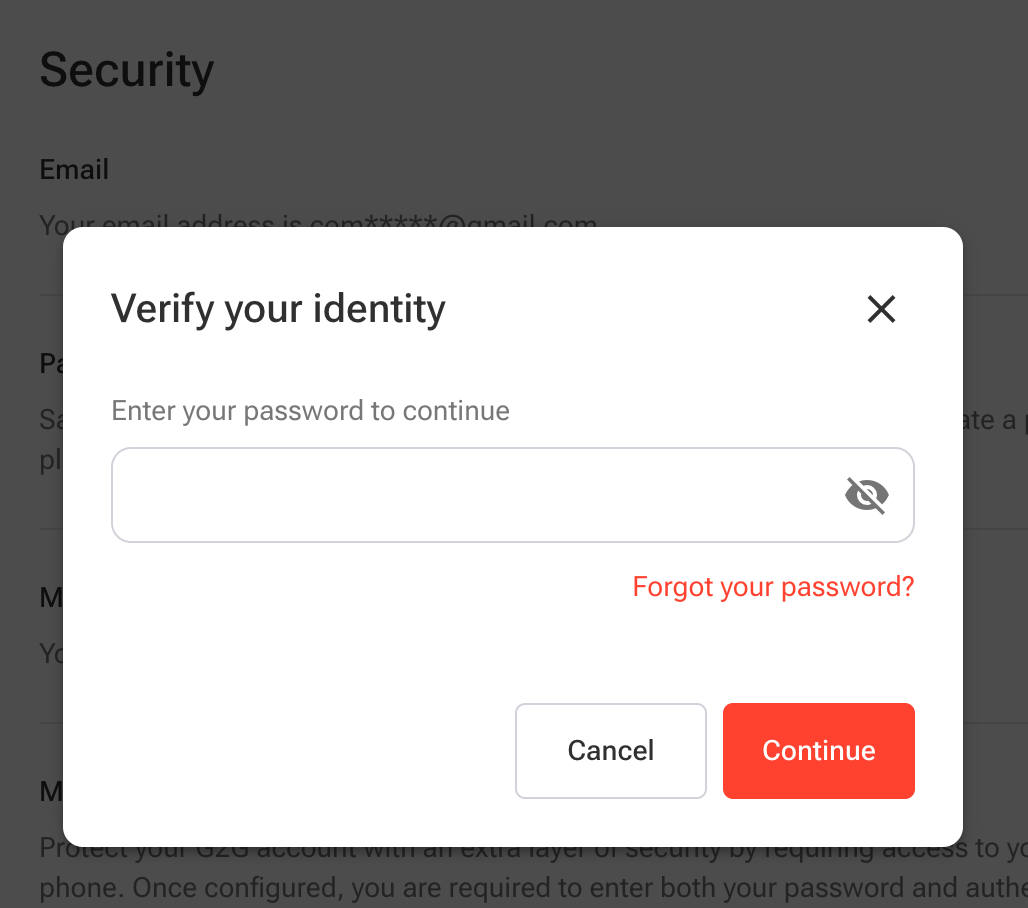
Clic the Edit button on the richt side o the Email column, an complete the identity verification process by enterin the MFA code/enterin the account password.
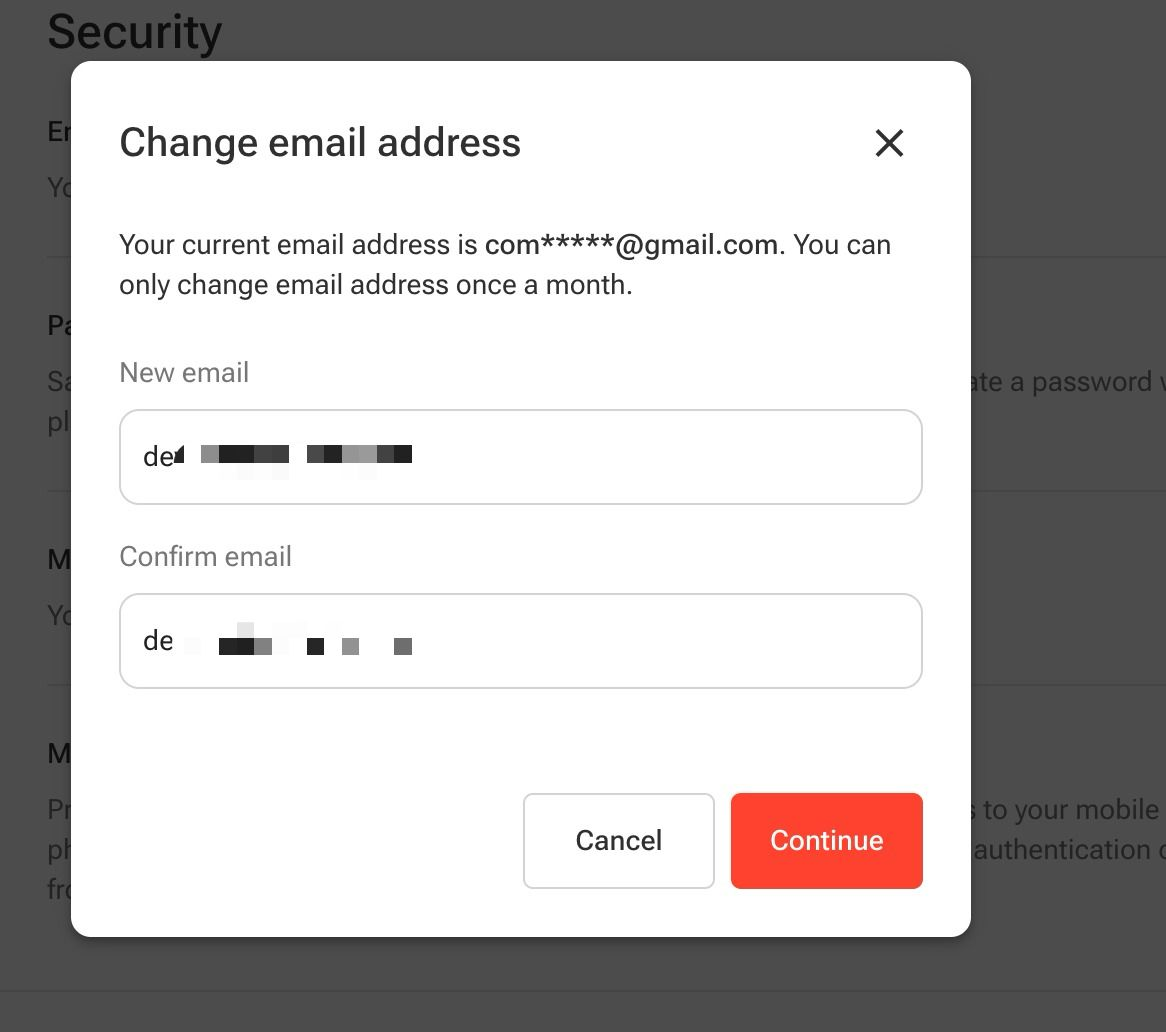
Efter compleetin identity verification, enter yer new email address, confirm it by enterin it again, an then clic Continue.
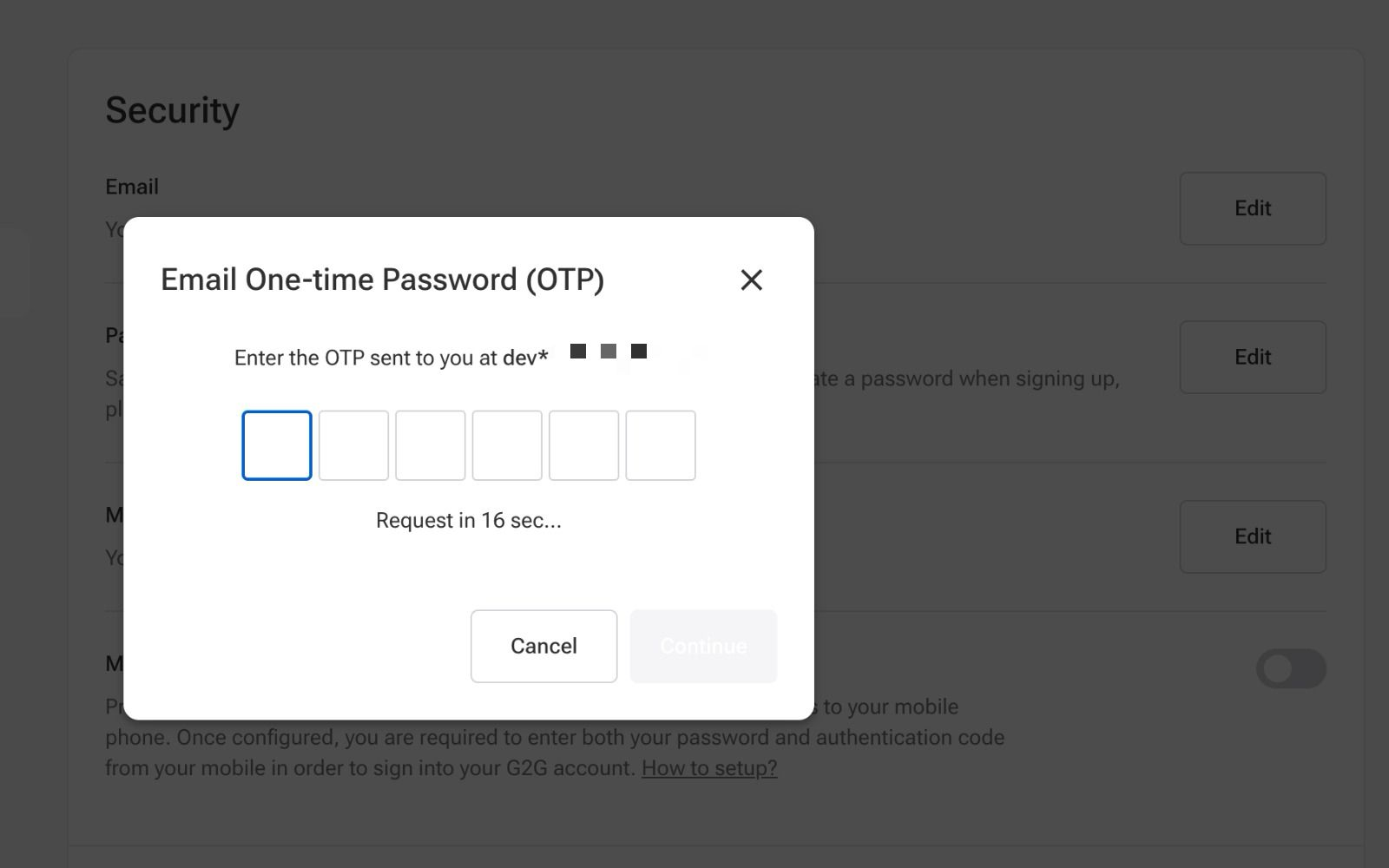
Enter the OTP sent tae yer new email address then clic Continue.
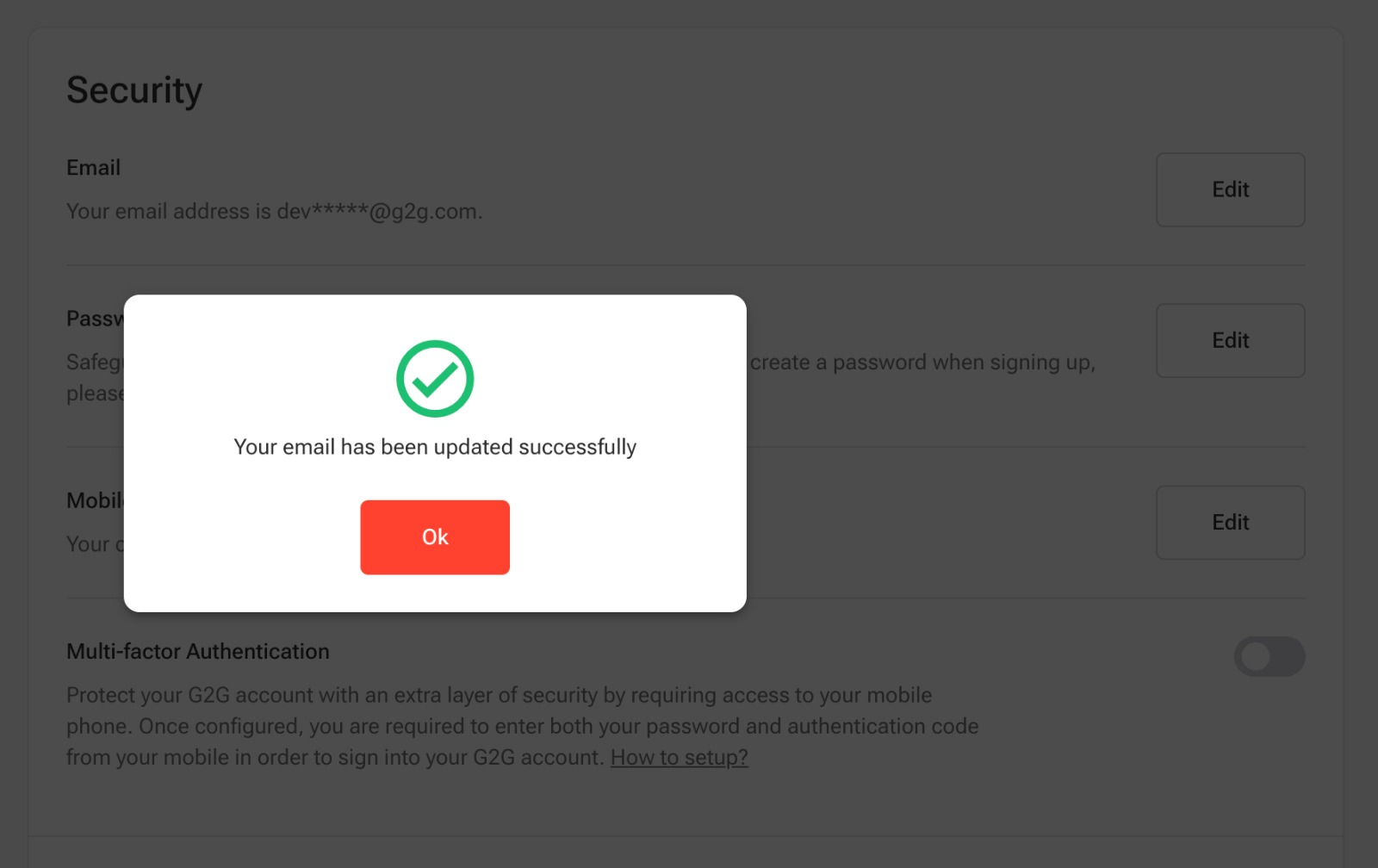
Yer Email has been successfully updated.
Importan Notties:
- Email chynges are permitit ance per month anely.
- Gin Multi-Factor Authentication (MFA) is enabled on yer account, ye’ll need tae enter yer MFA code durin identity verification.
- Gin MFA isnae enabled, ye’ll be required tae enter yer account password.
- Gin ye cannae log in tae yer account because ye forgot yer password, clic “Trouble logging in?” on the log-in page, then enter the email address or mobile number linked tae yer G2G account an follae the instructions tae set a new password.