
This airticle wis AI-translated frae English. Some details michtna be perfectly accurate.
Hou tae Mak yer Referral Link (Reflink)
Last updatit: 31 Aug 2026
Tha several eyst ways tae generate yer referral link (reflink) through the G2G Affiliate Program. Pick the method that works best for ye!
1. Share Yer Profile Link (Eystest Method)
Yer G2G profile link anes functions as yer referral link.
Jist copy it frae yer profile page and share it wi yer friends or follaers!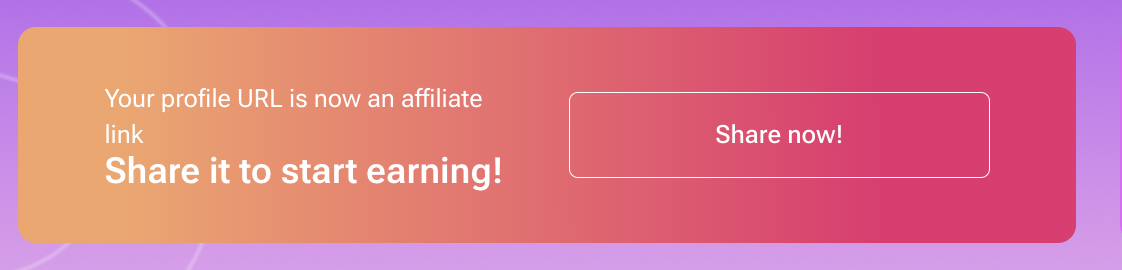
2. Customise Yer Reflink
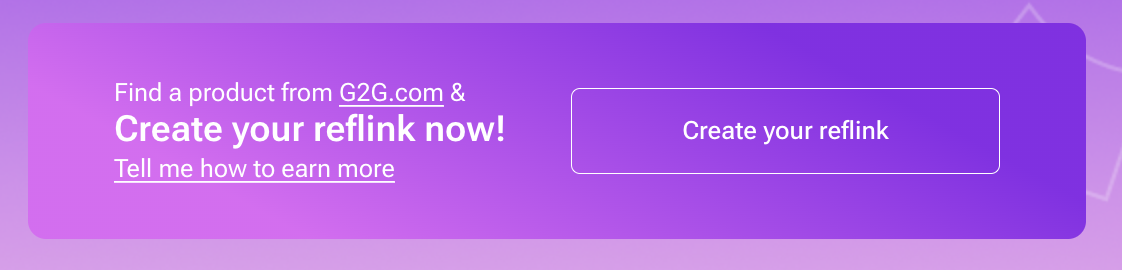
Want tae refer users tae a specific G2G page?
Use the reflink generator in yer Affiliate Dashboard:
- Paste the URL o ony G2G page
- Yer custom reflink will be generated instantly!
3. Wan-click Reflink for Recommended Products
Yer affiliate dashboard includes a curatit list o recommended products.
Click the “Generate Reflink” button neist tae ony product and yer personalised link will appear—ready tae share!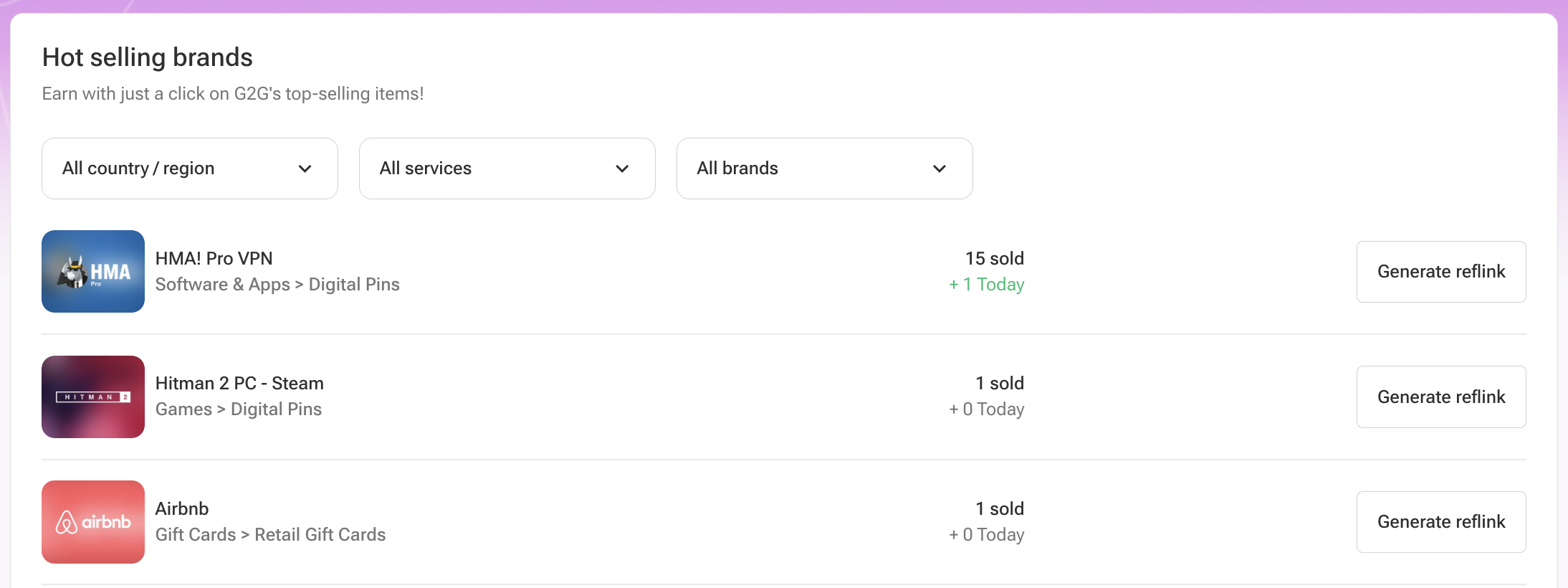
4. Use the “Invite Friends” Button
Dinna feel like logging intae the dashboard?
Nae problem! Simply click the “Invite Friends” button in the main menu tae copy yer G2G profile link and share it.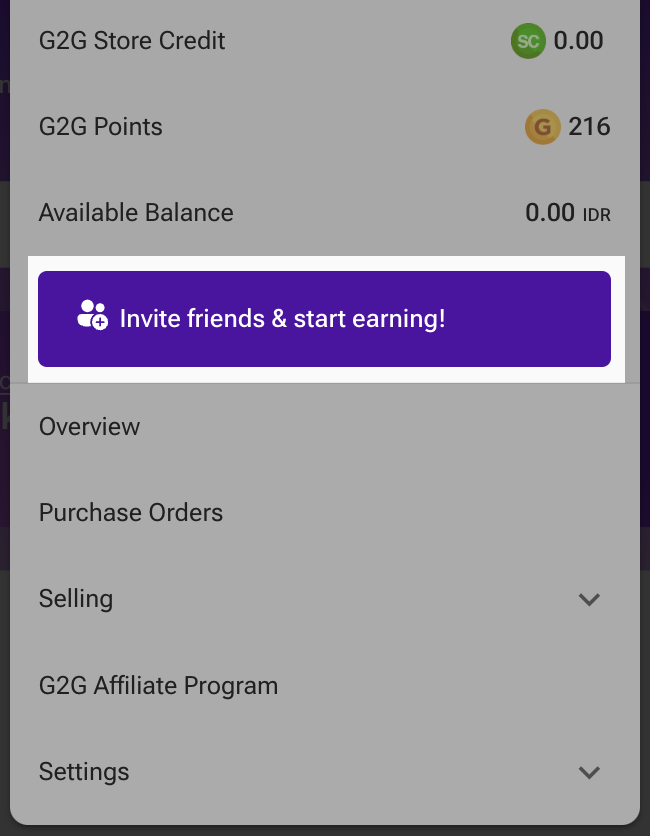
5. Share Directly frae Product/Service Pages
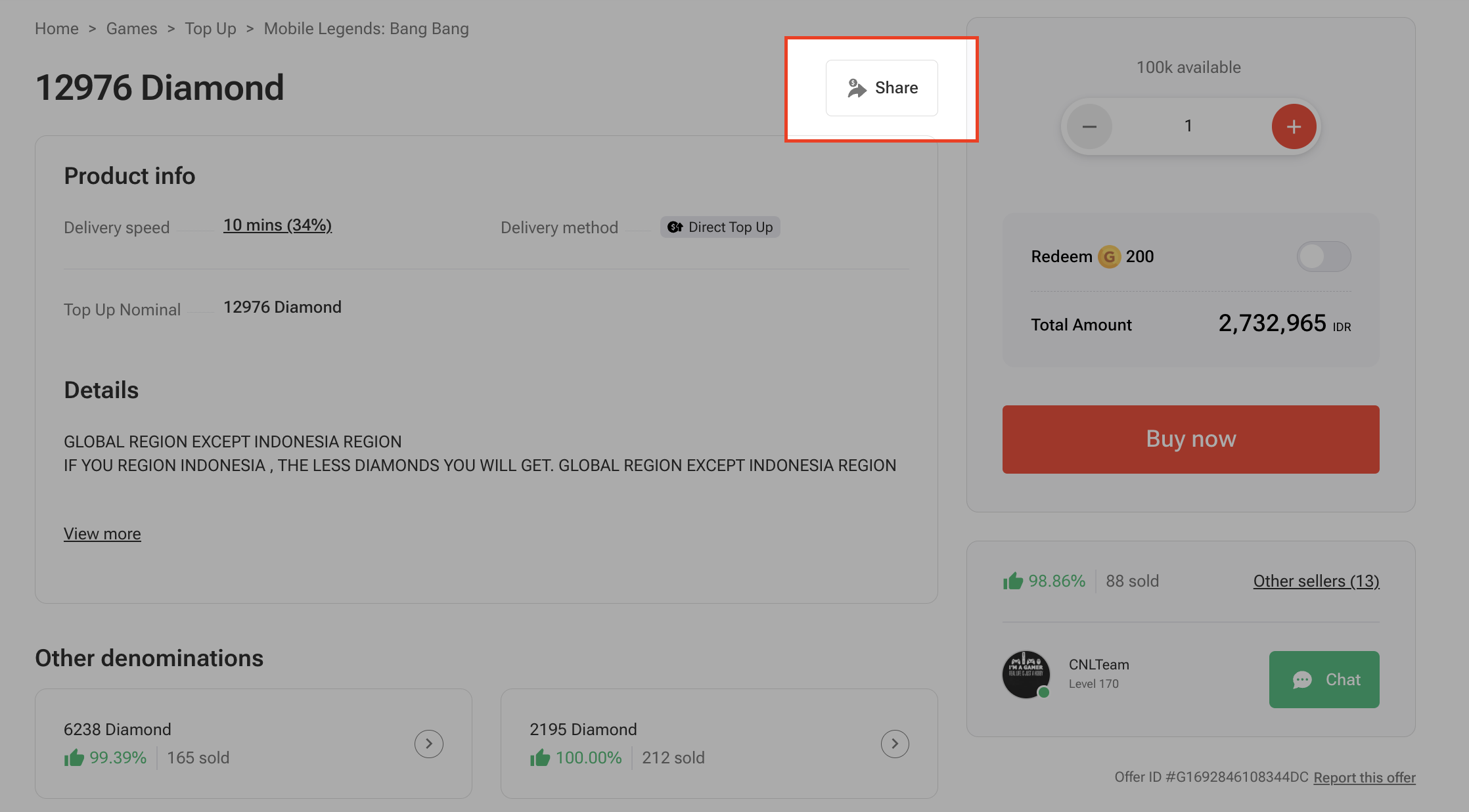
While brwisin G2G, jist click the “Share” button on ony product or service page.
The link ye share will automatically be tagged wi yer reflink.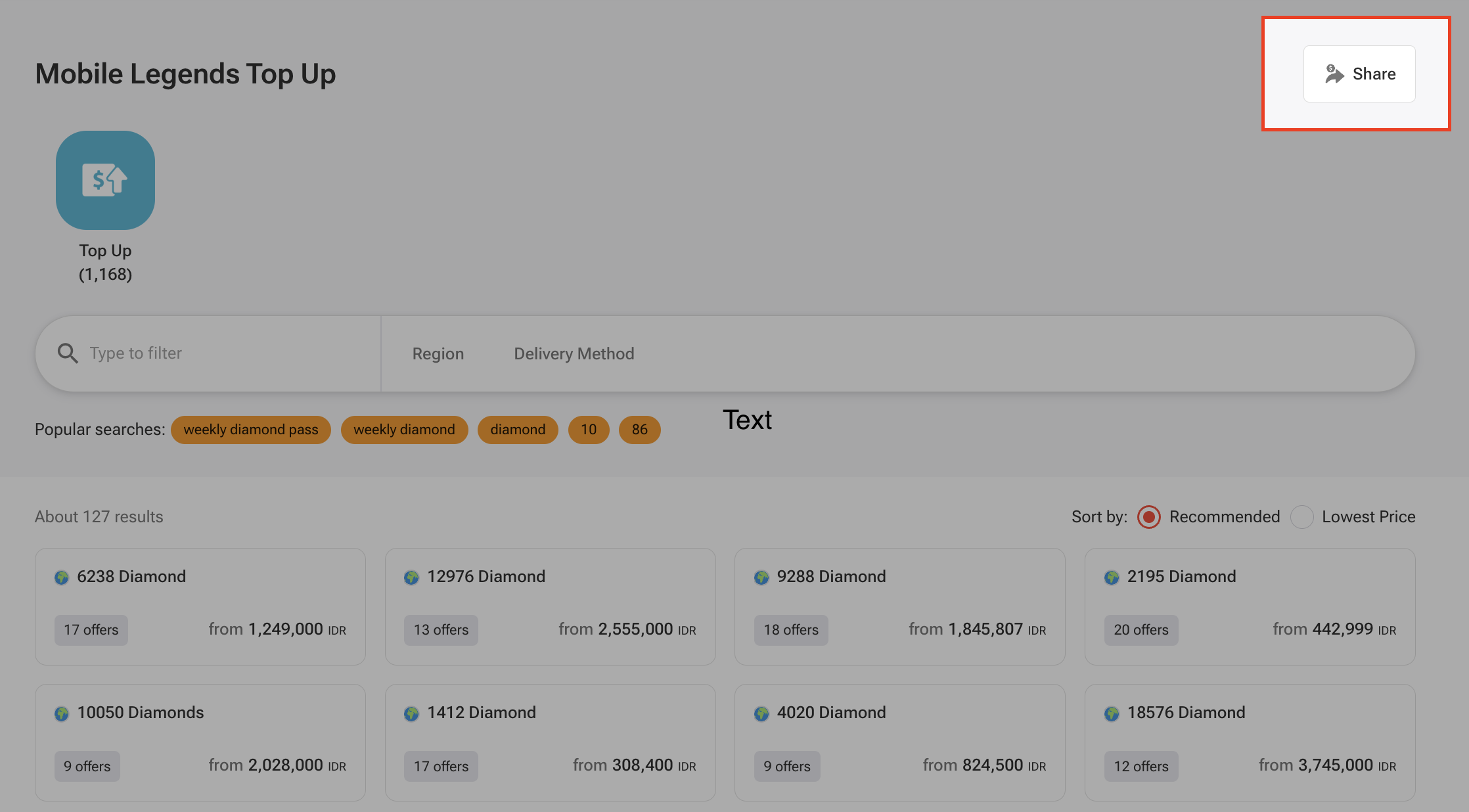
Ready tae start earnin as an affiliate? Sign up for the G2G Affiliate Program noo!