
This airticle wis AI-translated frae English. Some details michtna be perfectly accurate.
War an hou hou dings ye track o yer reflinks
Last updatit: 31 Aug 2026
As an affiliate, the creation and management o yer reflinks is essential for trackin performance an maximisin yer results.
Here's how ye can monitor an manage a' yer reflinks in ane convenient location.
My Reflink
This sectioun provides a complete list o a' yer generated reflinks.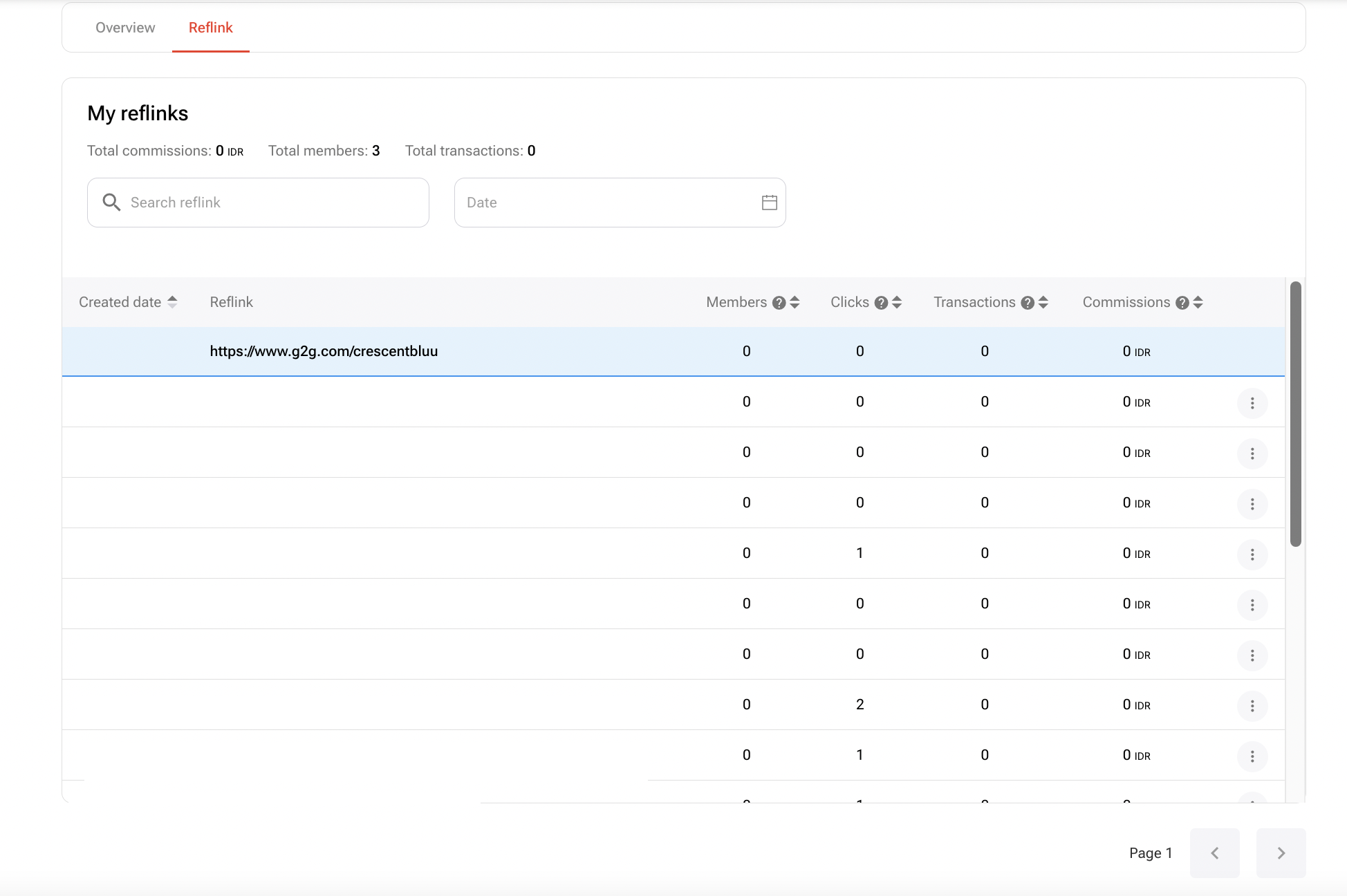
At the tap o the page, ye’ll see a summary o yer performance metrics syne joinin the programme:
- Total Commissions
- Total Members
- Total Transactions
By defaut, the maist recently created reflinks appear at the tap. Houiver, yer user profile reflink will aye bide pinned at the tap o the list.
Each reflink entry includes a three-dot menu on the richt-hand side wi the follaein options:
- Edit – Modify the reflink name
- View more – See detailed performance an transactions
- Remove – Diel the reflink frae yer dashboard
Ye can aye filter the reflink list by date or uise the seirch bar tae locate a reflink by name.
Tae view transaction details, click the name o a reflink, or open the three-dot menu an select “View more”.
Detail Transaction
This page provides an in-depth breakdoun o ilk reflink’s activity. It includes the follaein sections:
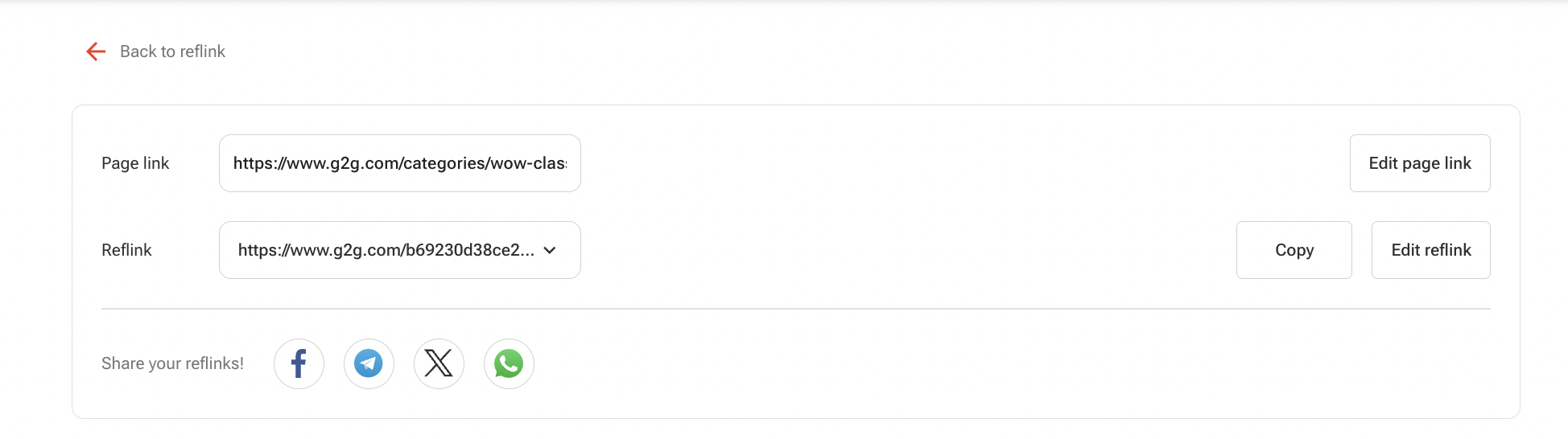
Detail Reflink displays the name o the reflink an the URL it links tae.
Top 5 Countries and Regions by Clicks shaws uiser traffic data uisin a map an lists the tap 5 countries or regions based on click volume.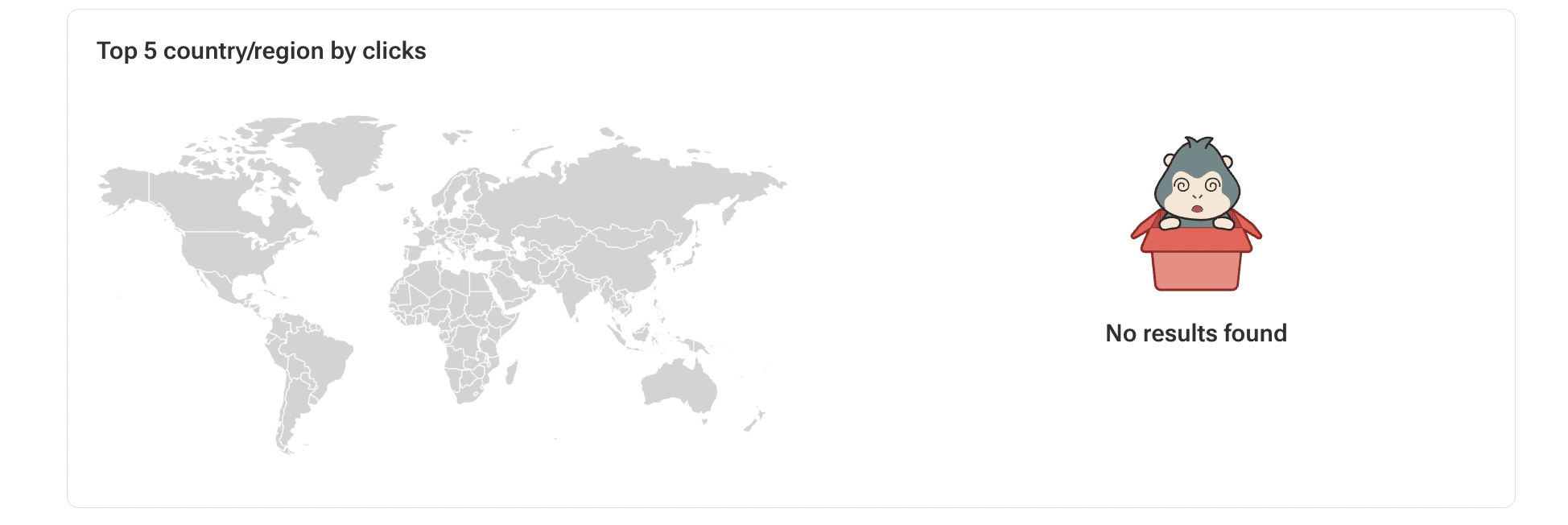
Detail Transactions provides comprehensive information for ilk transaction made through the reflink. Ye’ll fin the transaction date, transaction ID, commission amount, kintra o origin, an transaction status aw presented clearly in this section.
Ready tae start earnin as an affiliate? Sign up for the G2G Affiliate Programme noo!