This airticle wis AI-translated frae English. Some details michtna be perfectly accurate.
Muckle Uplaid for Items
Last updatit: 17 Sep 2026
Saeirs wha wuss create a muckle nummer o offers can uise the Bulk Upload feature frae the Create Offer page. Star oot bi dounloadin the CSV file template an fillin in the spreadsheet accordin tae the gien structure.
Offer Attributes Tab
- This tab is fur reference only an is uised tae help fill in the Offer Attributes column in the Offers tab.
- Gin the product shaws "Unique = Yes", it means the saeir can anely create ane offer for that product.
- Offers wi unique attributes will be gruppit thegither on the G2G product page an displayed alangside ither saeirs. Buyers can chuse wha they wad seek from.
Offers Tab
Dinna fill in the Offer ID. It will be automatically generated bi the system eftir the file is uploaded.
Stock indicates the nummer o units available for sale.
Ye will receive a low stock alert whan the quantity reaches the threshold defined in the Low Stock Alert Qty column.
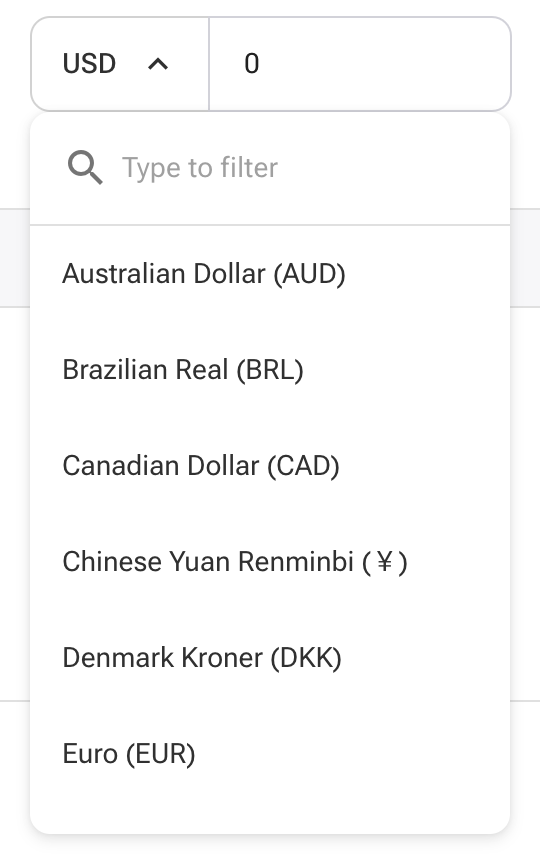
Certain kintras/regions can anely uise specific currencies. Please refer tae the Create Offer page tae view supported currencies an formatin guidelines.
Delivery Methods maun be selectit frae the dropdown options anely. Gin offerin mair than ane delivery method, uise the vertical bar | symbol tae separate ilka ane.
Delivery Speed values maun follae this format:
- Quantity format: 1-10|20|30
- Time format: 10|20|30
This means for quantity 1-10, the delivery time is 10 minutes; for 11-20, it's 20 minutes, and sae on.
The same format applies tae Wholesale Quantity and Wholesale Price:
Example:- Quantity: 5-10|20|30
- Price: 25|20|15
This means for 5–10 units, price per unit is $25; for 11–20, it is $20, and sae on.
For the Offer Image, anely gie direct URLs endin in .jpg or .png. Tae include multiple images, separate them uisin the vertical bar | symbol. Incairrect image formats will result in successful offer creation, but the system will automatically remuve the images.
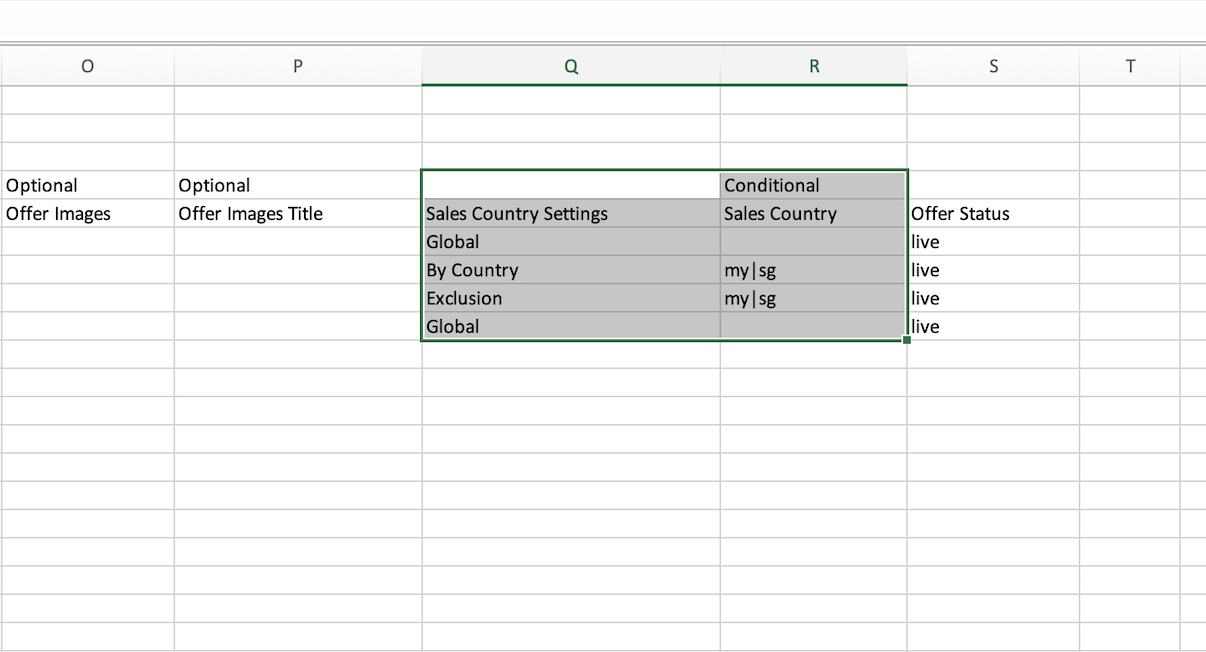
Learn mair aboot image formatinThe Sales Country field maun be filled in if yer Sales Country Settings is set tae “By Country” or “Exclusion.” Acceptit values maun uise ISO alpha-2 kintra codes, separated bi the vertical bar | symbol.
For create offer, anely allow live; for update offer, allow live, delisted, an delete.