This airticle wis AI-translated frae English. Some details michtna be perfectly accurate.
Hou tae mak a bulk listing
Last updatit: 17 Sep 2026
Leugh thae steps tae cræft an' upload multiple listings at ance usin the bulk listing feature.
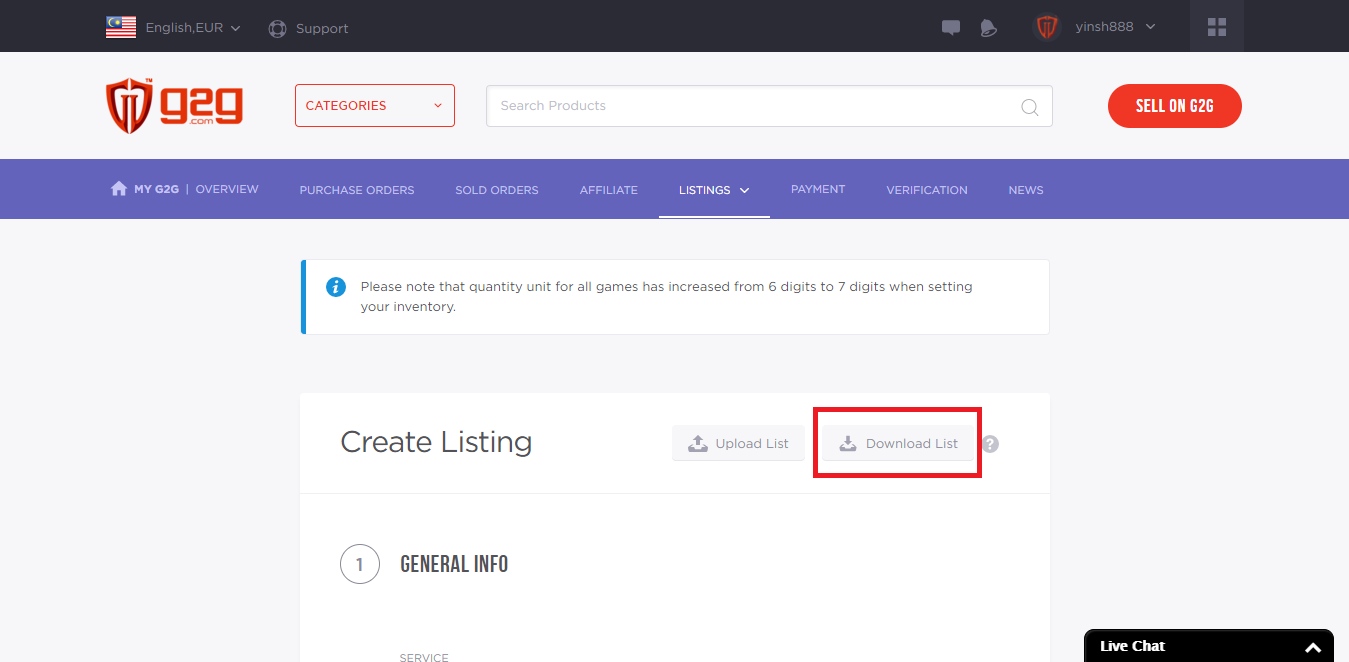
Gae til "My G2G" an' click "Create Listing" unner the Listing tab. Syne click "Download List".
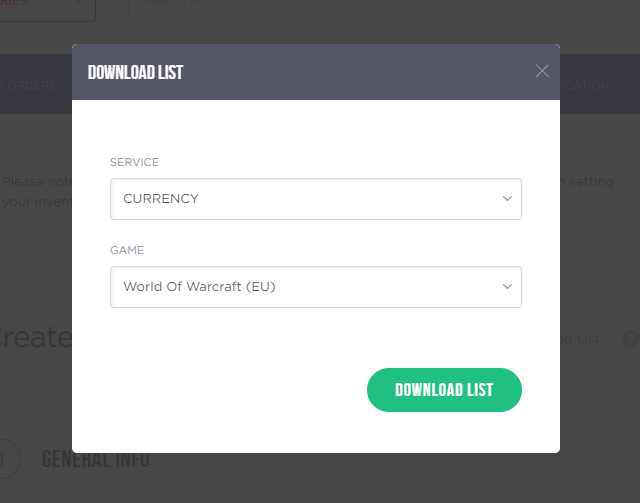
Select yer service an' game, syne click "Download List" tae download the .xls file. Eik it an' open it.
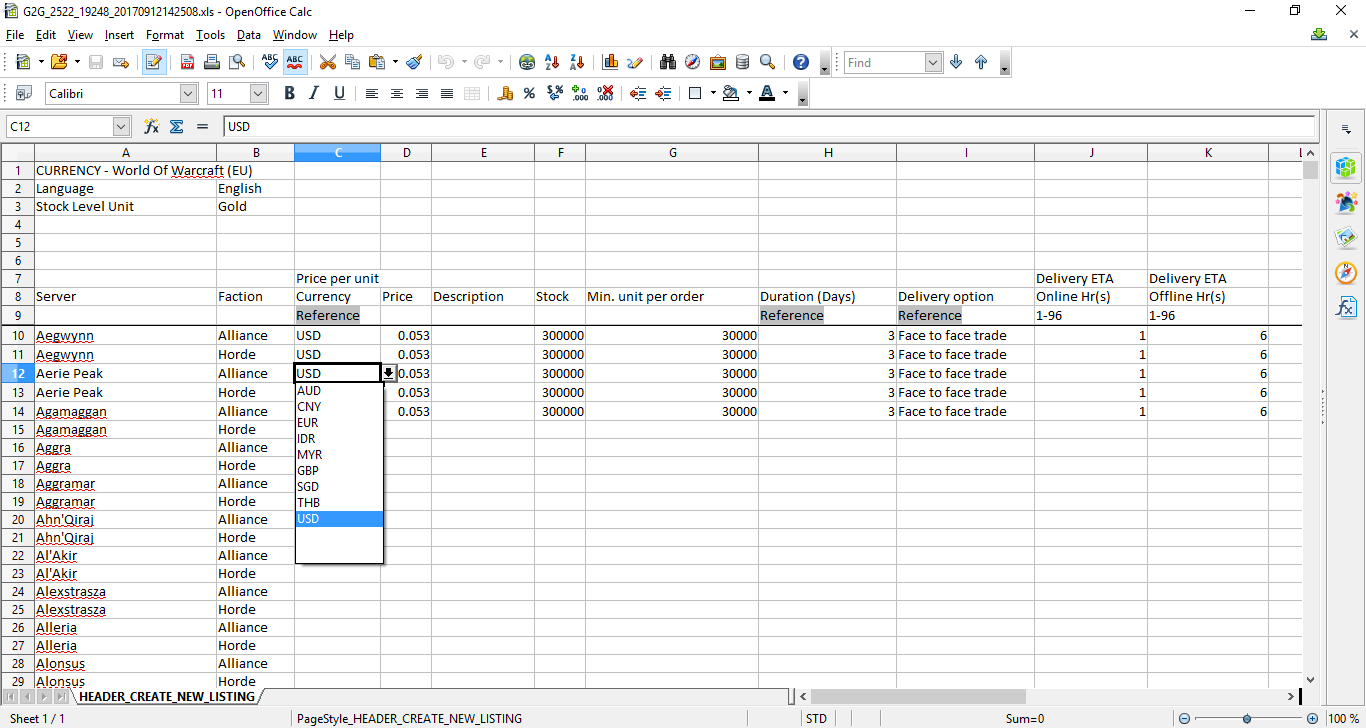
Fill in a' requiret details for ilk desired server in the .xls file. Uise the dropdown arrows for selection, an' click "Reference" in the file tae view example entries.
Save the file as an xls format. Aivis xls files are accepted.
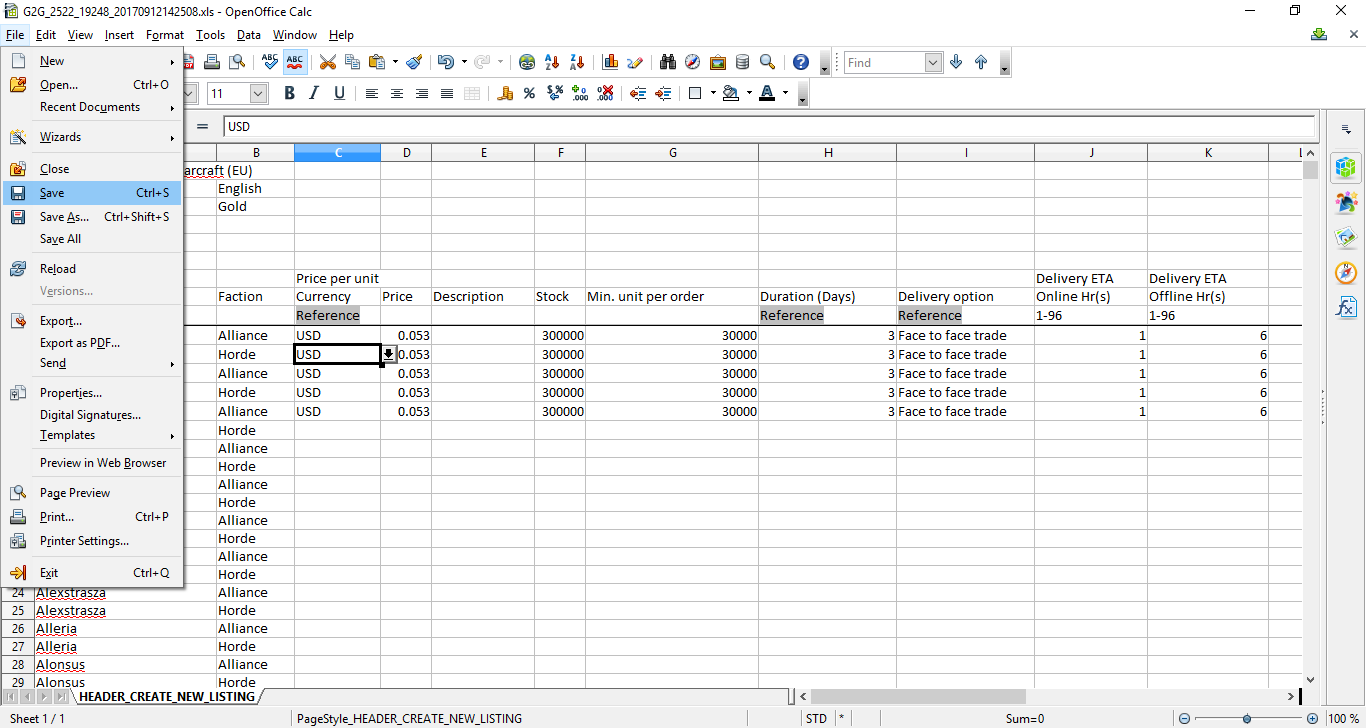
Ye can refer tae this for details on hou tae fill it oot.
Click "Upload List".
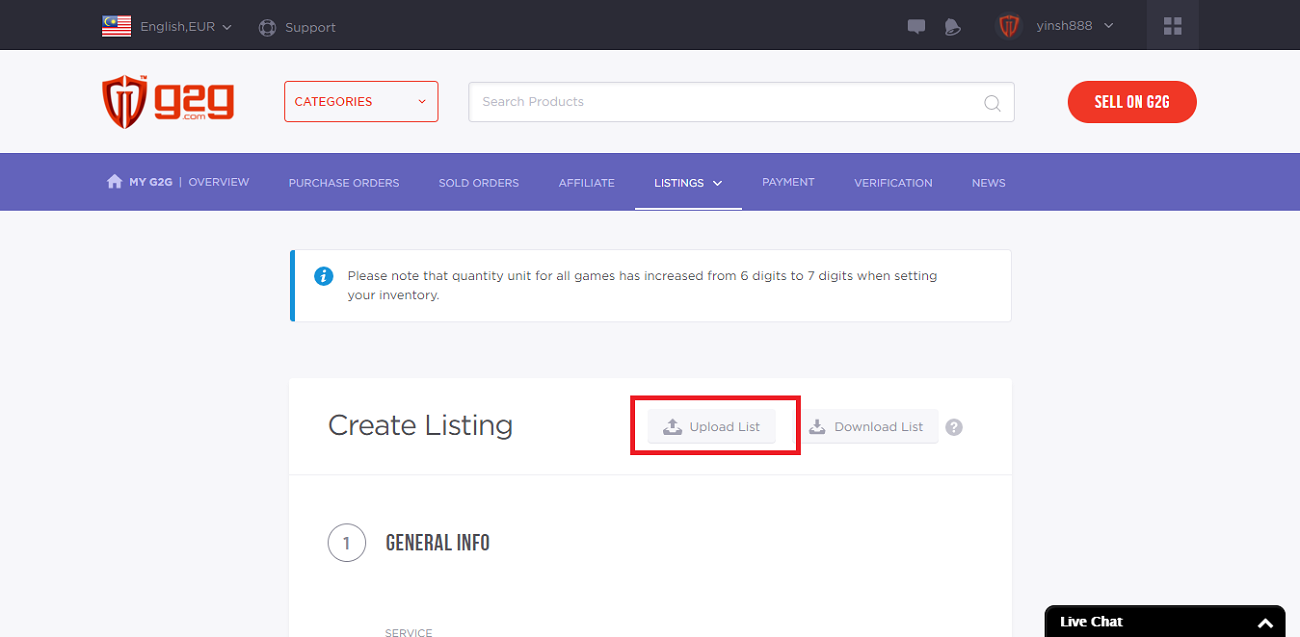
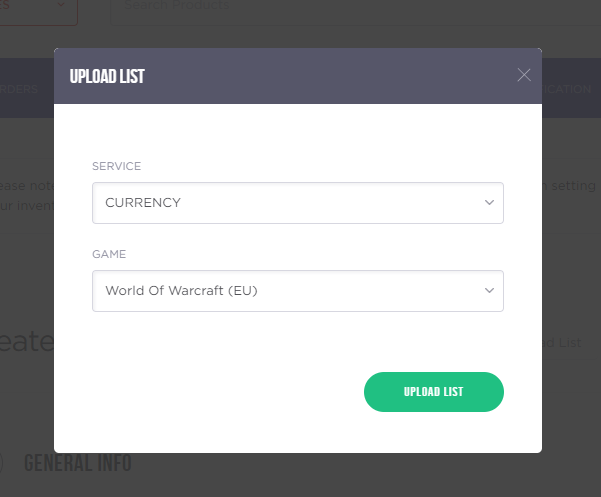
Select the same service an' game, syne click "Upload List" an' upload yer .xls file.
Preview the listing. A preview will automatically load.
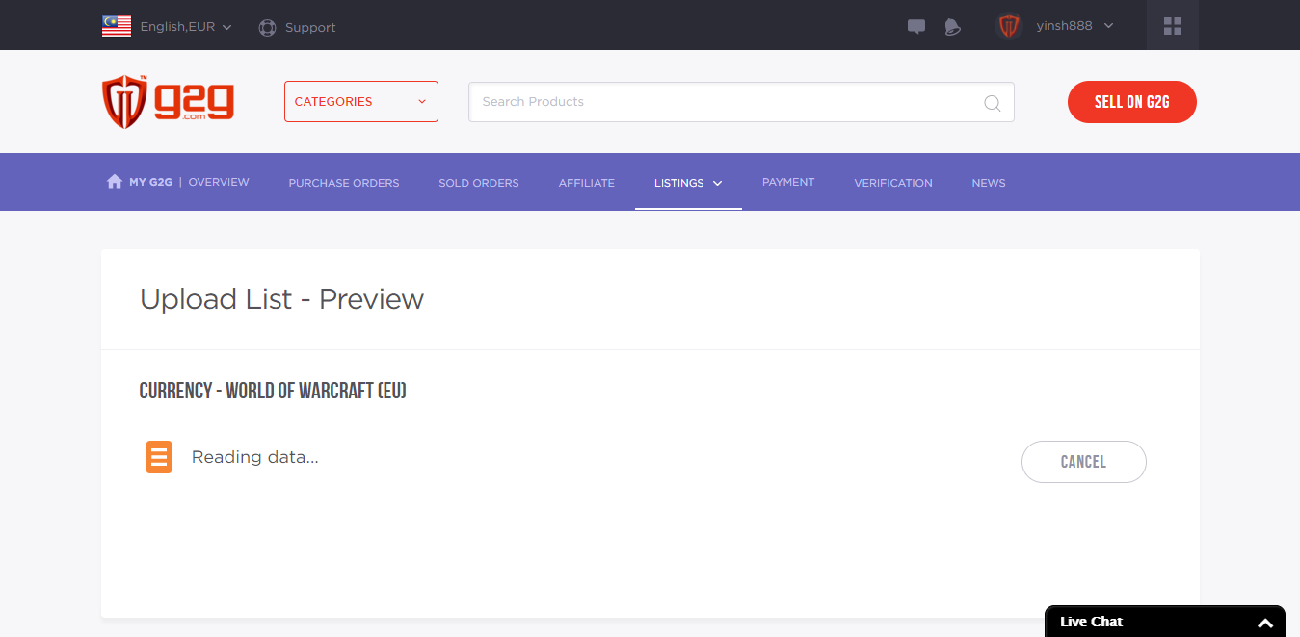
Note: The preview listing will expire in aboot 1 oor. Ye cannae upload the same service/game combination again durin this period unless the current preview is confirmed or canceled. Please double-check valid listings afore proceedin.
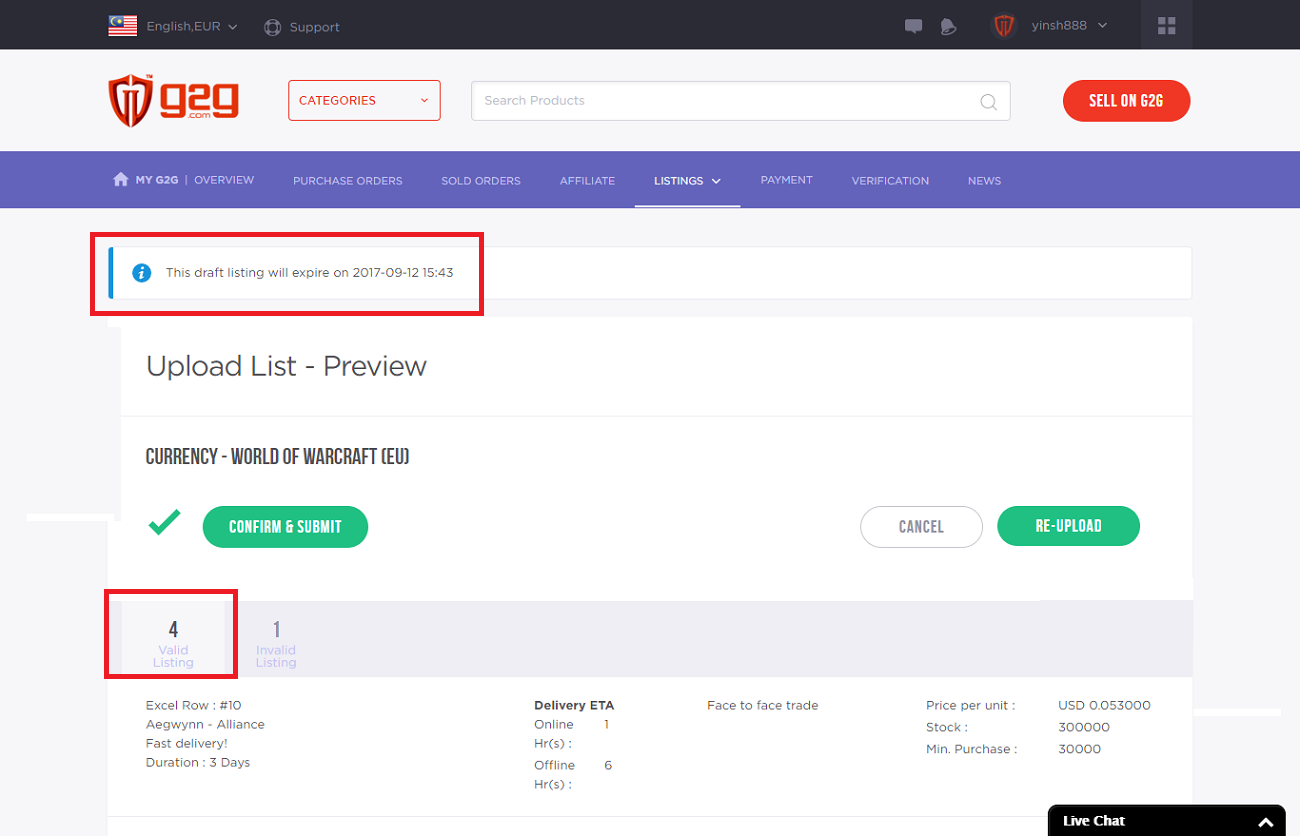
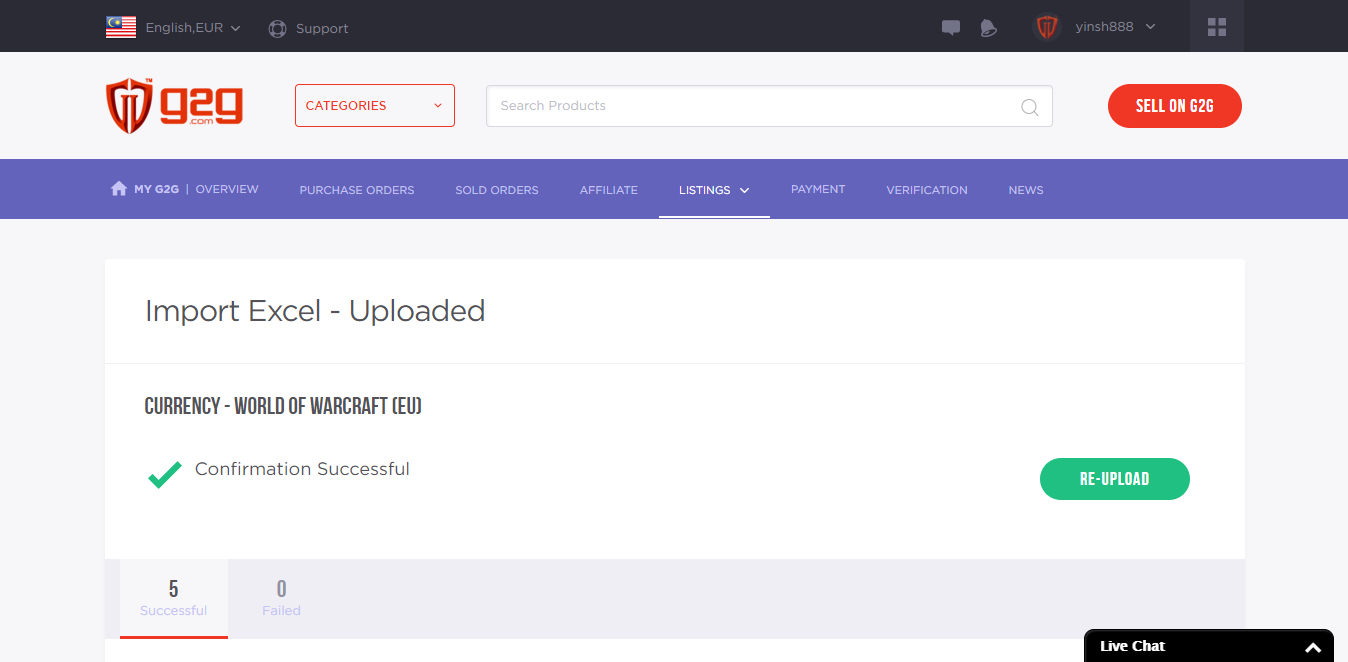
Check the “Invalid Listing” tab tae see whilk entries need revisioun. Mak changes in the .xls file an' click "Re-upload" tae try again.
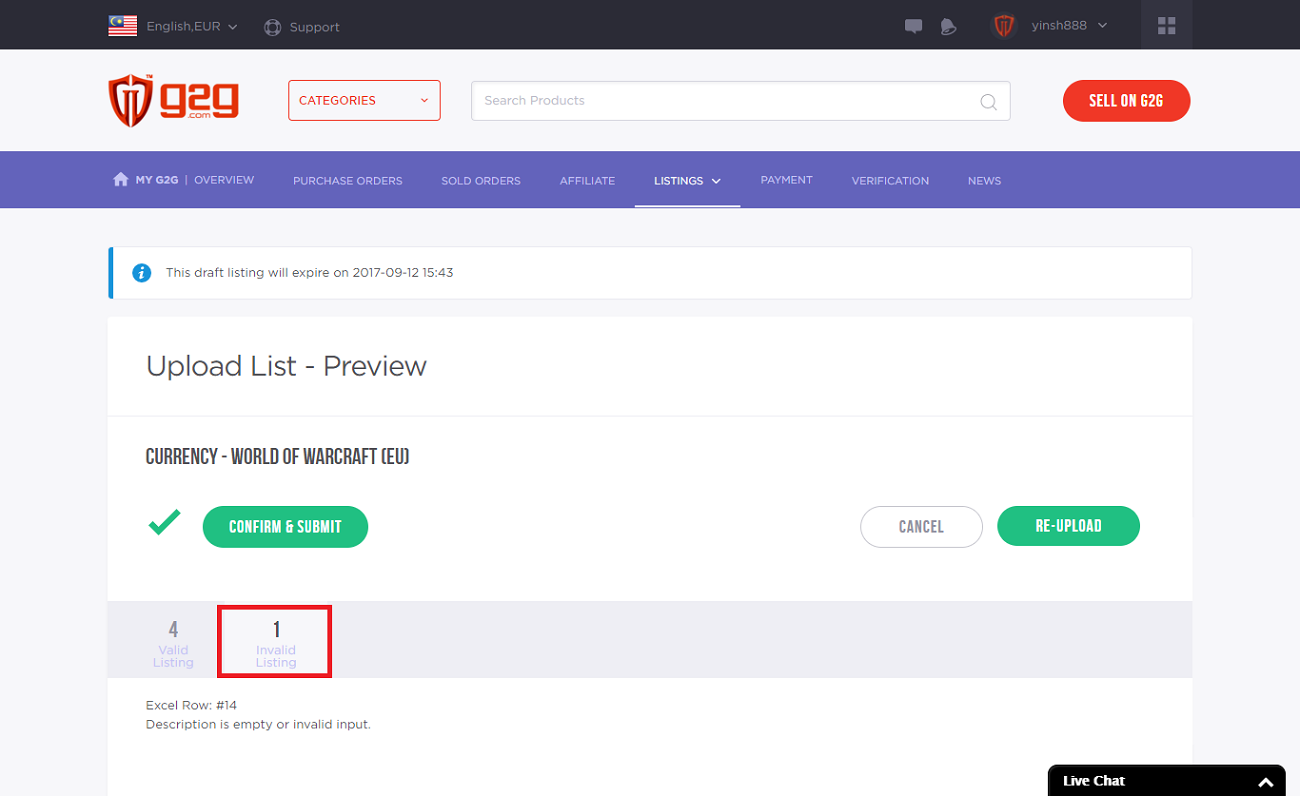
Important: Gin a server ye'r tryin tae list awready exists on yer profile, it will be marked as an invalid listing. The system will na process it. Tae update an existing server, gae til Manage Listing. Existing listings cannae be owerwrit through bulk upload—they maun be editit ane by ane.
Then, click "Confirm & Submit" tae upload the finalized list.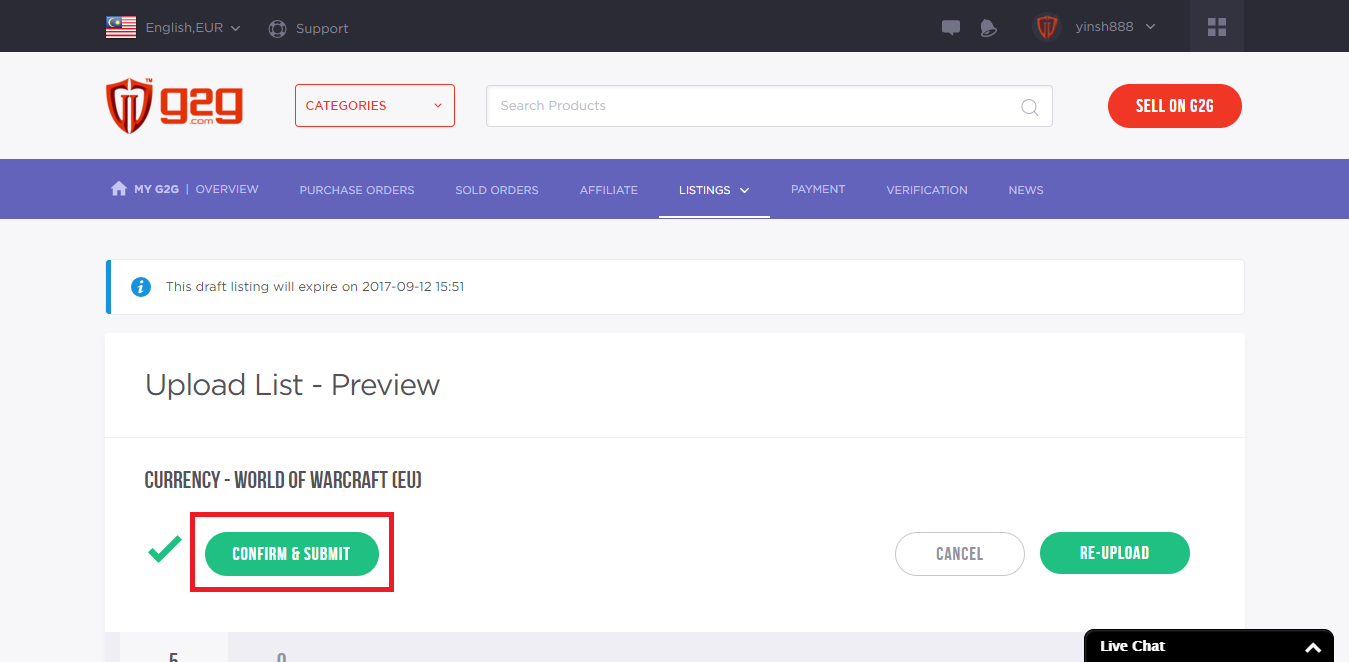
Yince the listing is successfully published, ye can manage it frae the Manage Listing page.