Yeged at pevotükon fa nolav (AI) de English. Ba patöfs anik no binons kuratik venöfiko.
Megalalegükön für pöns
Pelätükoun: 17 Sep 2026
Vidäls pe bos wils kreadön grät num offers kan yükanen Bulk Upload-lödü from Create Offer-päg. Büginön velön CSV-fäil template ka fülöni das spreadsheet segun gibod struktur.
Offer Attributes Tab
- Di tabon as reference only ka baion yufön fillöni Offer Attributes-kolä in Offers-tab.
- If product suvenol "Unique = Yes", iti signifikon das seller kan only kreadön one offer for dat product.
- Offers with unique attributes will be groupön together on G2G product-päg ka displayön alongside other sellers. Buyers kan selön from kim.
Offers Tab
Do not fill in the Offer ID. It vil automatik generedön by the system after file is uploaded.
Stock signifikon num units available for sale.
Vil receiveön a low stock alert wen quantity reacheth threshold defined in Low Stock Alert Qty kolä.
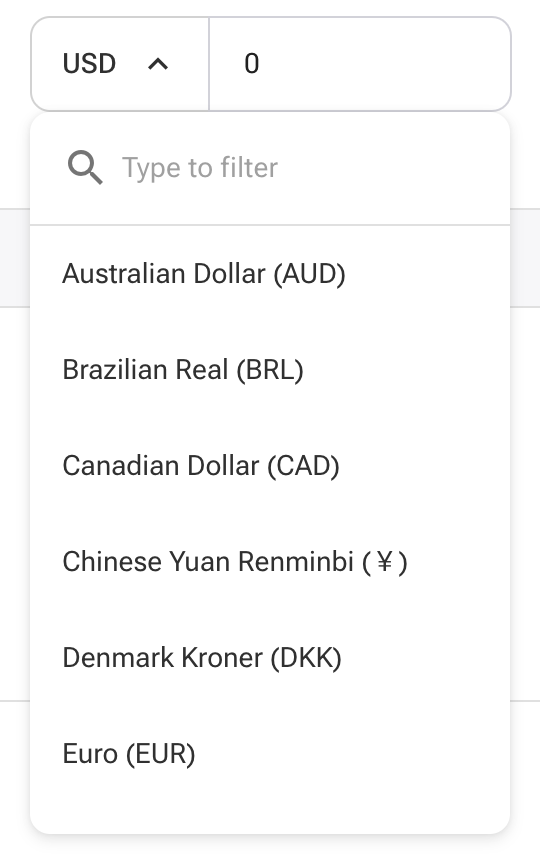
Certain countrys/regions kan only yükanen specific currencies. Plead refer to the Create Offer-päg to view supported currencies ka formatting guidelines.
Delivery Methods must be selectön from dropdown options only. If offering more than one delivery method, yükan vertical bar | symbol to separatön each.
Delivery Speed values must follow this format:
- Quantity format: 1-10|20|30
- Time format: 10|20|30
This signifikons for quantity 1-10, delivery time is 10 minutes; for 11-20, it's 20 minutes, ka so on.
Same format applies to Wholesale Quantity and Wholesale Price:
Example:- Quantity: 5-10|20|30
- Price: 25|20|15
This signifikons for 5–10 units, price per unit is $25; for 11–20, it is $20, ka so on.
For the Offer Image, only givön direct URLs ending in .jpg or .png. To include multiple images, separatön them using the vertical bar | symbol. Incorrect image formats vil result in successful offer creation, bat the system vil automatically remove the images.
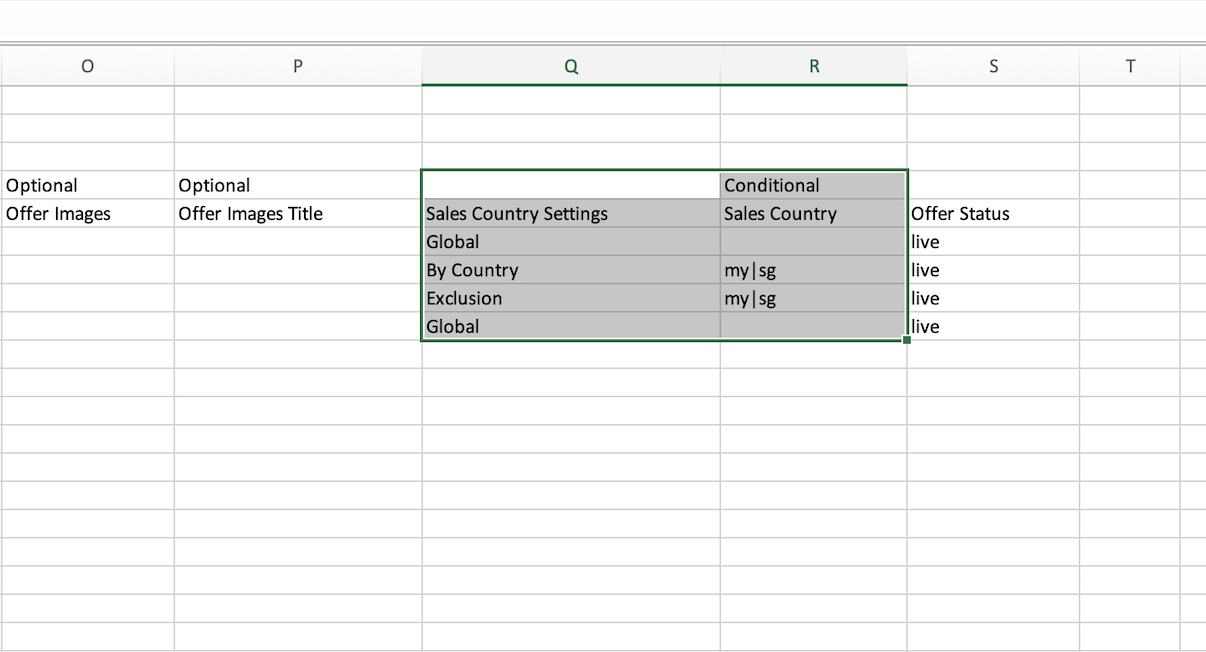
Learn more about image formattingThe Sales Country field must be fillön if your Sales Country Settings is set to “By Country” or “Exclusion.” Accepted values must use ISO alpha-2 country codes, separated by the vertical bar | symbol.
For create offer, only allow live, for update offer, allow live, delisted, and delete.